Japan Toilet Sound Motion-Activated Toilet Noise Masker


Japan Toilet Sound Motion-Activated Toilet Noise Masker
Japan Toilet Sound Motion-Activated Toilet Noise Masker
Couldn't load pickup availability
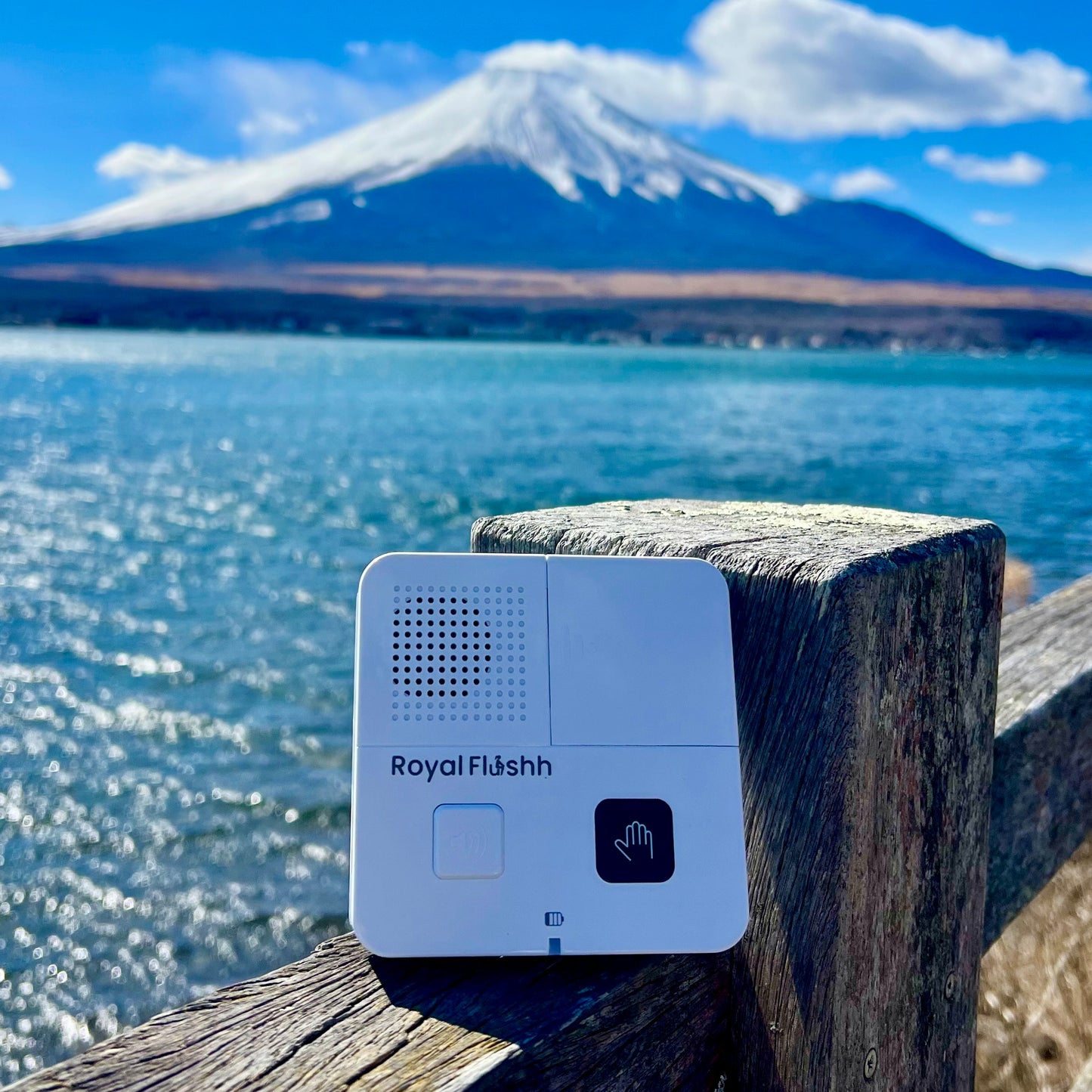


Put one on the wall
Buy the DeviceHow to keep the app on your phone: open it on your phone, then on an iPhone tap the Share button (at the bottom in Safari, or at the top next to the web address in Chrome) and choose Add to Home Screen (not Add Bookmark). On an Android tap the three dots at the top right and choose Add to Home screen.
How does it work?
As Seen on Australian National TV
“Disguising another less favourable noise with the Royal Flushh.” — 9 News Australia
Let’s put an end to bathroom anxiety — for good.
Join thousands already enjoying a little peace and privacy where it matters most.
Put one on the wall
Buy the DeviceHow to keep the app on your phone: open it on your phone, then on an iPhone tap the Share button (at the bottom in Safari, or at the top next to the web address in Chrome) and choose Add to Home Screen (not Add Bookmark). On an Android tap the three dots at the top right and choose Add to Home screen.